

Feature
Customer CRM with Notes and Follow-ups
One record per customer, with notes, tags, tasks, custom fields and a full activity history.
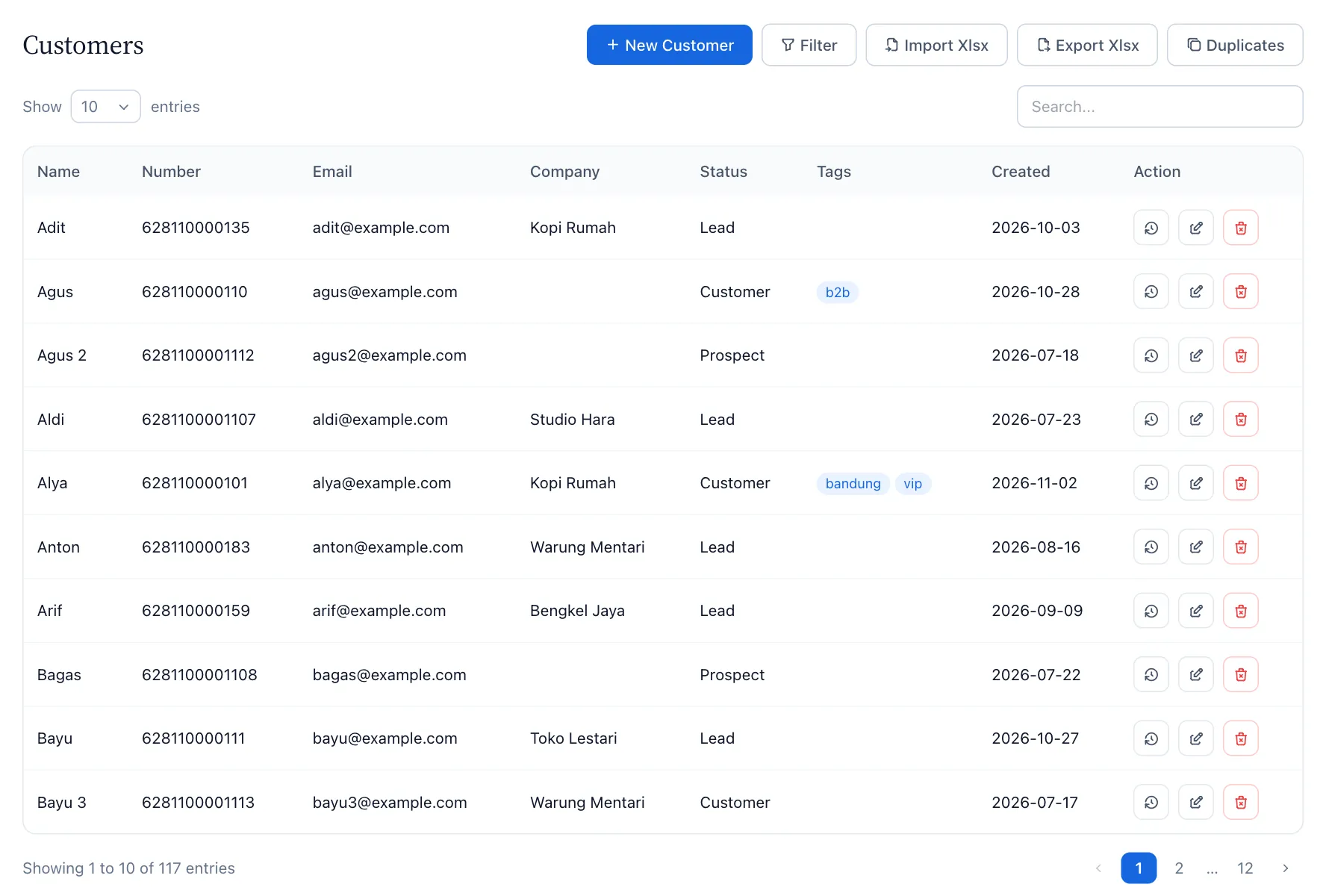

One record for every person you talk to
The same customer may write to two of your WhatsApp numbers. KonekSip links them to one customer record, so notes, tags and follow-ups stay together.
What a customer record holds
- Contact details. Name, phone number, email, company and an owner from your team.
- Tags and status. Group customers the way you work, for example by interest, city or stage.
- Notes. Write down what you agreed, so the next person on the team knows.
- Custom fields. Any extra column you import, such as an order number or a plan, becomes a field you can read, filter and use in messages.
- Activity history. Conversations, notes, tasks and changes are listed in time order.
Follow-ups that do not get forgotten
Add a follow-up task to a customer with a due date and assign it. The person it is assigned to gets an email reminder, and the Follow-ups page lists what is due so nothing slips.
Segments, import and clean-up
- Import from a file. Bring your customers from an xlsx or csv file. Every extra column becomes a custom field.
- Segments. Filter your customers by tag, field or search to get a list for a follow-up round.
- Merge duplicates. KonekSip shows customers with the same email, number or name. Keep one, and the numbers, notes, tasks, tags and history of the others move into it.
- Export. Download your customers as a spreadsheet at any time.
Respecting opt-outs
More features
Try KonekSip free
14 days free, no credit card. Connect a channel and answer your first customer from the shared inbox.