
Messenger
Receive and answer the messages sent to your Facebook Page in the shared inbox.
Before you start
- A Facebook Page that you manage.
- A Facebook account that can manage that Page, to log in with.
- About two minutes. There is nothing to copy or paste.
Connect with Facebook
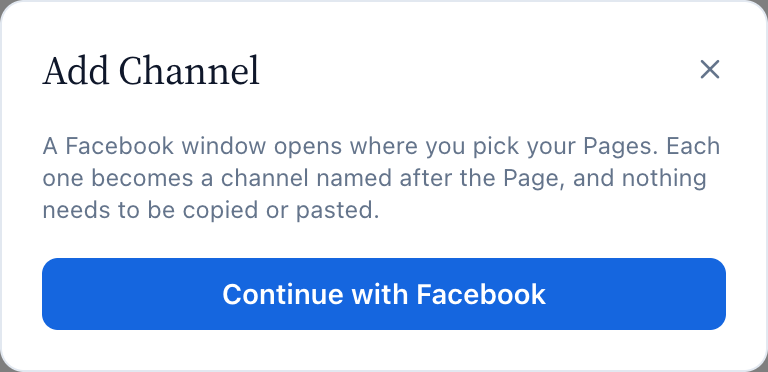
Messenger connects through a Facebook login. You pick your Pages in a Meta window and KonekSip does the rest, including subscribing each Page to its messages.
- Open Platforms → Messenger and press Add Channel.
- Press Continue with Facebook.
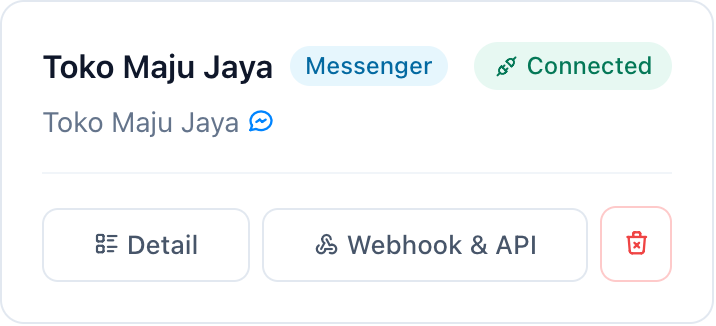
- In the Facebook window pick the Pages you want to connect and confirm. Each Page becomes one channel named after it, and shows Connected within seconds.

You can only connect Pages you manage, and a Page that is already connected is skipped. If a channel stops working later, for example after a password change, open it and press Reconnect with Facebook: its chats and API key stay. To pause a channel, press Disconnect on its page: it stops sending and receiving, and Reconnect with Facebook brings it back.

Send a test message
From another Facebook account, send a message to your Page. The conversation appears in the Inbox and the First message received step turns green. Reply from the Inbox to confirm that sending works too.
What works
- Text and media (images, video, audio and files) in both directions.
- Replies up to 24 hours after the customer's last message. After that the Inbox tells you the window has closed and you can answer once the customer writes again.
- Replies written in the Page inbox, read and delivery marks, and reactions.
- Auto responders and AI replies.
- Not available on Messenger: buttons, templates, edit, delete, campaigns and phonebooks.
Using the API instead of the Inbox? Messenger uses the same POST /api/messages endpoint. See the API Reference.
Comments on posts
Comments on the posts of your Page appear in the Inbox, in the conversation of the person who wrote them, marked Comment on a post. Comments written by the Page are ignored.
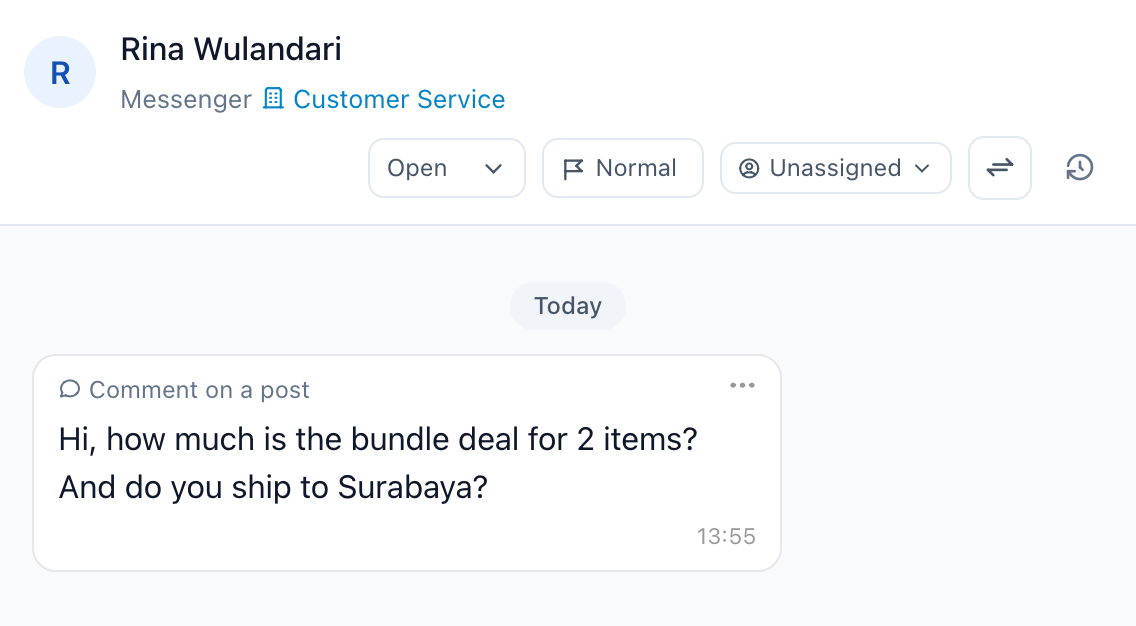

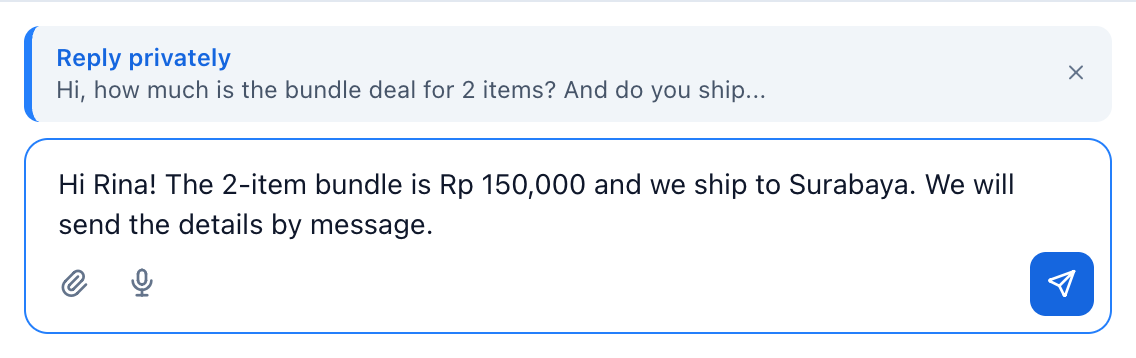
- Open the … menu of a comment. Reply to comment answers publicly under the post. Reply privately sends the person a direct message about it.
- Meta allows one private reply per comment, and only within 7 days of the comment.
- Comments never start auto responders or AI replies, because those would answer by direct message.
- Comments need extra permissions when you log in with Facebook. If none arrive, open the channel, press Reconnect with Facebook and allow every permission.

Troubleshooting
| What you see | Likely cause | What to do |
|---|---|---|
| I do not see my Page in the Facebook window | The Facebook account does not manage the Page, or the Page was not ticked. | Log in with an account that manages the Page and tick it. |
| … is already connected | The Page already has a channel, here or in another workspace. | Open that channel. To move the Page, delete the old channel first. |
| Disconnected, or The access token is invalid or has expired (code 190) | The person who connected the Page changed their password, lost access to the Page, or removed the app in their Facebook settings. | Open the channel and press Reconnect with Facebook. |
| Red message: Meta would not subscribe the Page | The Facebook account that connected the Page cannot manage its messages. | Press Reconnect with Facebook with an account that does. |
| Connected, but nothing arrives | The link with Meta was interrupted. | Press Reconnect with Facebook. If nothing arrives after that, contact support. |
| The 24-hour reply window has closed | The customer last wrote more than 24 hours ago. | Wait for the customer to write again. |
Need Help?
If you have questions or need assistance, our support team is here to help.